Couchbase: Setup Distributed Document-oriented NoSQL Database on Kubernetes Cluster - Part 2
Couchbase offers a package that includes several binaries for quickly installing the Couchbase Operator on a Kubernetes Cluster.


Installing Couchbase Operator on Kubernetes Cluster
Couchbase offers a package that includes several binaries for quickly installing the Couchbase Operator on a Kubernetes Cluster. To obtain this package, visit https://www.couchbase.com/downloads/ and download the package tailored for Kubernetes, as shown in the image below:
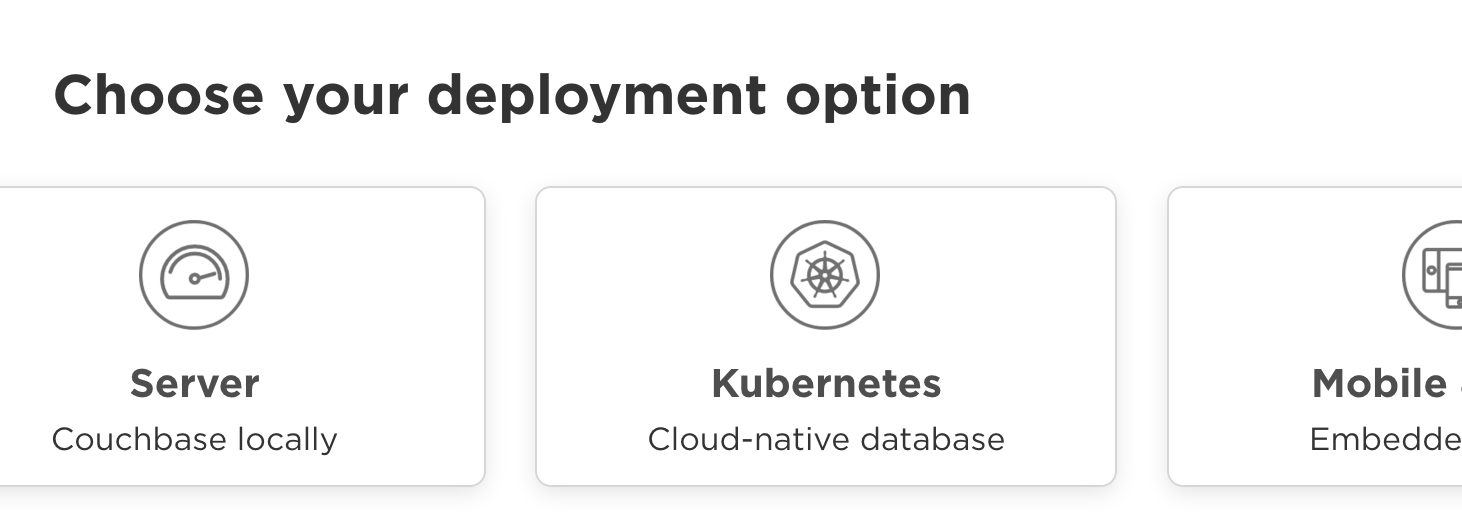
Download the package to a desired folder and then extract its contents. This will make the binaries and other necessary files available for installation.
Football culture connects supporters with club traditions, national teams, and unforgettable moments across generations. Expressing that connection through a football shirt can turn a memorable season or historic match into part of a personal collection.
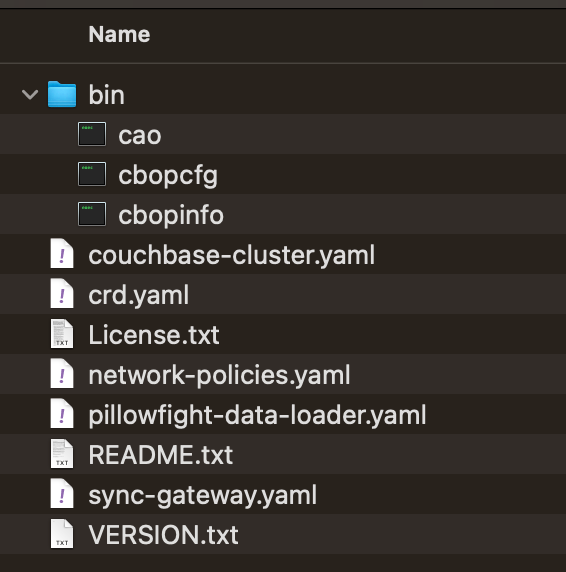
It is recommended to create a dedicated namespace for the Couchbase installation. This approach helps keep the Kubernetes environment organized and makes managing resources related to Couchbase more convenient.
~$ kubectl create namespace couchbaseCreate a new file named install.sh and insert the following bash script:
To modify the permissions of the install.sh file and make it executable, run the following command in your terminal:
~$ sudo chmod +x install.sh

~$ ./install.sh
Verify the Couchbase Operator installation
~$ kubectl -n couchbase get deployments

NAME                           READY   UP-TO-DATE   AVAILABLE   AGE
couchbase-operator             1/1     1            1           30s
couchbase-operator-admission   1/1     1            1           30s
Awesome! With the Couchbase Operator installed on your Kubernetes cluster, you can now proceed to deploy a Couchbase Cluster.
Setup Couchbase Cluster on Kubernetes
Alright! The package you've downloaded earlier contains a configuration file that can be used to set up the Couchbase Cluster. Just make a few adjustments to this file to include backup settings and update the authentication secret if needed, in case you want to use a different username and password.
Install it to Kubernetes
~$ kubectl -n couchbase apply -f couchbase-cluster.yamlExpose Couchbase Dashboard via Ingress
It's quite handy to access the Couchbase Dashboard from anywhere. To achieve this, we'll create an Ingress resource that exposes the Couchbase Dashboard. To generate an SSL Certificate via Let's Encrypt, we'll need Cert Manager. You can find out how to do this by following the instructions provided in the link below:
Create Ingress Resource
Install to Kubernetes
~$ kubectl -n couchbase ingress.yamlNavigate your browser to https://couchbase-dashboard.example.com
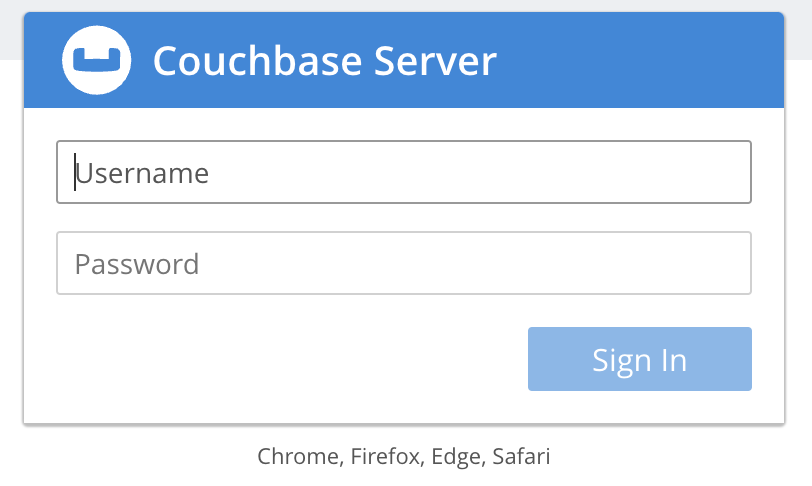
Log in using the username and password you set earlier (username: admin and password: xxx).
Voilà! Now you have a Couchbase Cluster up and running on your Kubernetes Cluster.
Installing Couchbase on Google Kubernetes Engine
As GKE does not permit communication between the control plane and worker nodes on port 8443, which is the port that Couchbase uses, it's necessary to configure a firewall to allow communication on this port. You can accomplish this using the Terraform script provided below. Alternatively, you can also set up the firewall rule directly through the Google Cloud Console.
About 8grams
We are a small DevOps Consulting Firm that has a mission to empower businesses with modern DevOps practices and technologies, enabling them to achieve digital transformation, improve efficiency, and drive growth.
Ready to transform your IT Operations and Software Development processes? Let's join forces and create innovative solutions that drive your business forward.
Subscribe to our newsletter for cutting-edge DevOps practices, tips, and insights delivered straight to your inbox!
Frequently Asked Questions
What is the Couchbase Operator for Kubernetes?
The Couchbase Autonomous Operator is a package that automates deploying and managing Couchbase clusters on Kubernetes. It installs a couchbase-operator deployment plus an admission controller, then lets you create a Couchbase cluster from a configuration file. The operator handles cluster provisioning, scaling, backups, and authentication secrets through Kubernetes-native resources.
How do you install Couchbase on Kubernetes?
Install Couchbase on Kubernetes by downloading the operator package from Couchbase's downloads page, creating a dedicated namespace, and running the provided install.sh script to deploy the operator. Once the couchbase-operator and admission controller are running, apply a couchbase-cluster.yaml manifest to provision the actual Couchbase cluster.
How do you install Couchbase on Google Kubernetes Engine (GKE)?
Installing Couchbase on GKE requires an extra firewall rule because GKE blocks control-plane-to-worker-node communication on port 8443, which Couchbase uses. Create a firewall rule allowing traffic on that port, either through a Terraform script or directly in the Google Cloud Console, before deploying the Couchbase cluster to avoid connectivity failures.
How do you access the Couchbase dashboard on Kubernetes?
Expose the Couchbase dashboard on Kubernetes by creating an Ingress resource that routes to the Couchbase service. Pair it with Cert Manager to issue a free Let's Encrypt SSL certificate for HTTPS access. After applying the Ingress, browse to your configured domain and log in with the admin username and password set in the cluster configuration.
Why deploy Couchbase using a Kubernetes Operator?
A Kubernetes Operator deploys Couchbase because it encodes operational knowledge into automated controllers. Instead of manually managing stateful database pods, the Couchbase Operator handles cluster creation, scaling, failover, backups, and configuration updates declaratively. This reduces operational burden and keeps a distributed database like Couchbase running reliably in a dynamic Kubernetes environment.